

How DormaPulse Works
Three simple steps to start your sleep routine.
-
STEP 01
Place Your Phone by Your Feet
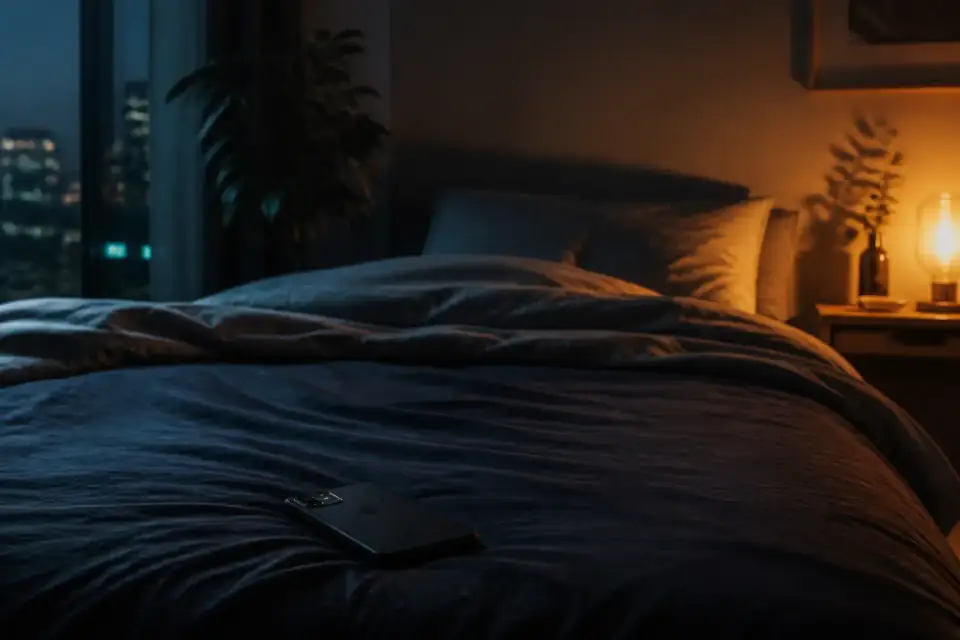
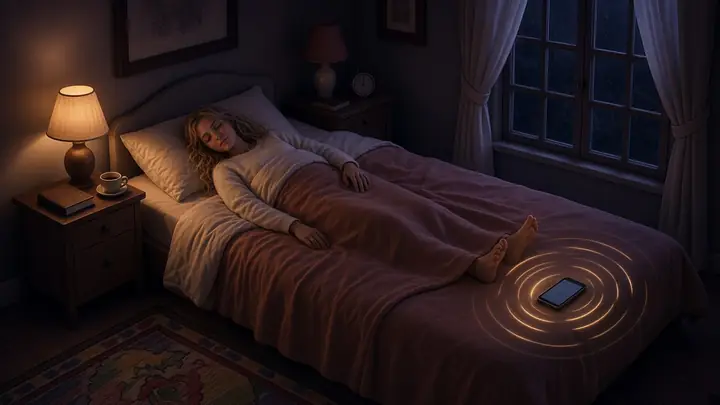
Place your phone near the foot of your bed. No headphones. No wearable. No complicated setup.
-
STEP 02
Choose a Sleep Wave
Choose the experience that fits your moment: Power Nap · Calm Rest · Deep Sleep.
-
STEP 03
Press Start & Wind Down
Start the session, settle into bed, and let DormaPulse become part of your bedtime routine.
Why Your Phone Goes by Your Feet
DormaPulse is designed around a simple setup: your phone stays near the foot of your bed.
Most sleep apps are designed around headphones, speakers, stories, sounds, or a screen beside your head.
DormaPulse takes a different approach.
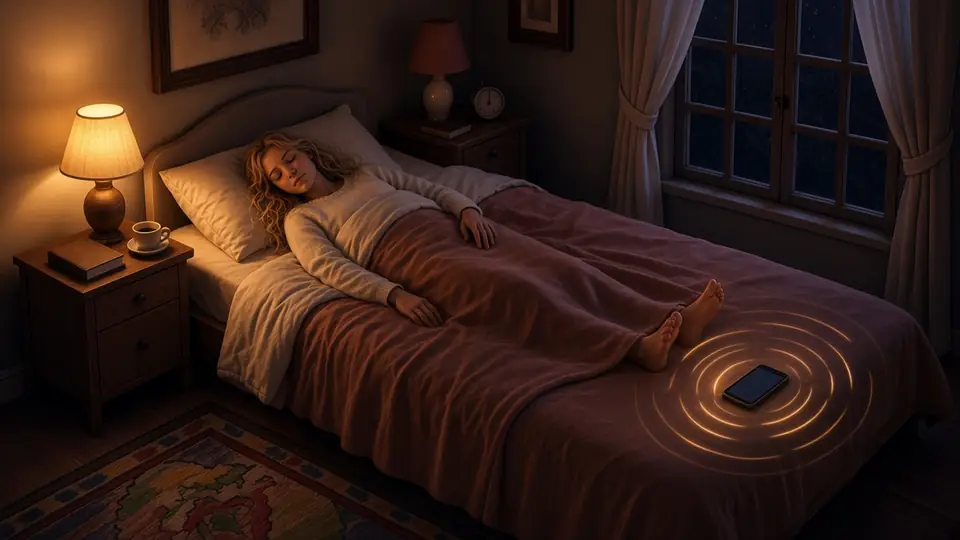
Place your phone near your feet, start your Sleep Wave, and leave the phone there while you rest.
It's a small change to your bedtime setup — and the defining part of the DormaPulse experience.
Sleep Waves You Don't Need to Listen To
A quiet experience built around specially designed inaudible frequencies.
DormaPulse uses specially designed inaudible frequencies as part of its Sleep Wave experience.
You don't need to listen to music, follow a voice, or keep your attention on the screen.
Choose a wave, press start, and let the session run quietly in the background while you rest.
A Different Way to Fall Asleep
Falling asleep doesn't always need more content.
- Stories Not required
- Meditation Not required
- Playlist Not required
- Headphones Not required
DormaPulse keeps the experience simple.
Choose your Sleep Wave. Put your phone by your feet. Get comfortable. And let your bedtime routine begin.
Choose Your Sleep Wave
One app. Three ways to rest.
-
Wave A
Power Nap
For a quick daytime reset. Short, simple, and designed for those moments when you want to pause and rest.
-
Wave B
Calm Rest
For slowing down and creating a quiet moment of rest. Use it when you want to step away from the noise of the day.
-
Wave C
Deep Sleep
For your nighttime sleep routine. Start your session, put your phone by your feet, and settle in for the night.
A Gentle Beginning. A Quiet Experience.
Every DormaPulse session begins with a brief, gentle chime.
It's simply a signal that your session has started.
After that, the Sleep Wave continues quietly while you rest.
For Your Night. Or Your Next Nap.
DormaPulse fits into more than one kind of rest.
-
At night
Create a simple bedtime routine and settle in with Deep Sleep.
-
During the day
Take a Power Nap when you need a short break.
-
Anytime
Choose Calm Rest when you simply want a quieter moment.
Everything You Need for a Simple Sleep Routine
-
Sleep Alarm
Set your bedtime session.
-
Wake Alarm
Wake up when your rest time is over.
-
Lock Screen
Access your sleep controls without keeping the app open.
-
Sleep Streaks
Keep track of your bedtime routine.
-
Multiple Languages
Use DormaPulse in your preferred language.
-
No Headphones Required
Your phone stays by your feet.
Less to Do. More Time to Rest.
Your bedtime shouldn't feel like another task.
With DormaPulse, the routine is simple:
- 01Place your phone.
- 02Choose your wave.
- 03Press start.
- 04Close your eyes.
That's it.
Ready to Try a Different Way to Fall Asleep?
Start your next sleep or power nap with DormaPulse.
SleepRestPower Nap
FAQ
What is DormaPulse?
DormaPulse is a sleep and relaxation app designed around Sleep Waves, a simple bedtime setup, and placing your phone near your feet.
Where should I put my phone?
Place your phone near the foot of your bed while using DormaPulse.
Do I need headphones?
No. DormaPulse does not require headphones.
Can I use DormaPulse for naps?
Yes. Wave A — Power Nap is designed specifically for daytime rest.
Does DormaPulse play music?
DormaPulse is not a music-based sleep app. Sessions use specially designed inaudible frequencies, with a brief gentle chime at the beginning.
How does DormaPulse help me fall asleep?
DormaPulse is designed to provide a simple, quiet bedtime experience without requiring music, stories, meditation, or active screen use.